|
Doc Designer |
  
|
|
Doc Designer |
|
Getting There
Doc Designer can be accessed from the main screen by selecting => Apps | Document Designer or by using the Ctrl+F12 shortcut.
Description
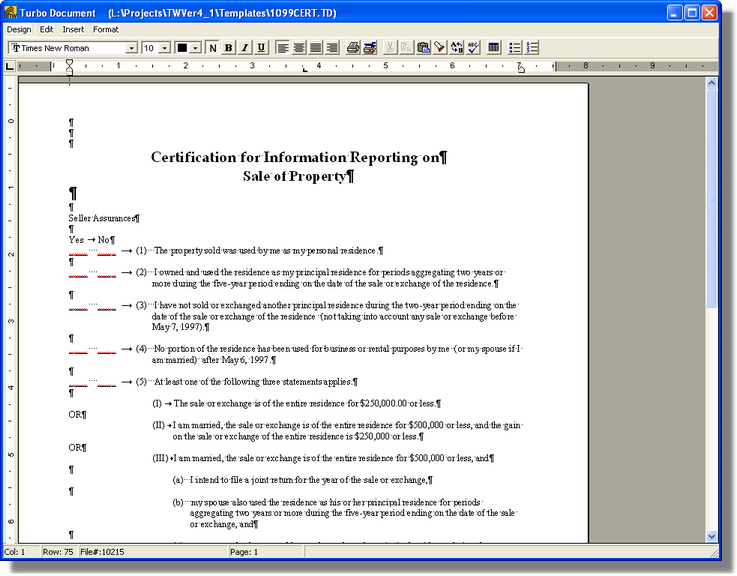
Document Designer is a full WYSIWYG (What-You-See-Is-What-You-Get) word processor with merge capabilities. Its major purpose is to create and save master document templates that can be imported from the Document Prep portion of the program for future use. Templates are basically document skeletons to which information from the Order Setup and other program locations may be merged at a later time.