|
Doc Prep |
  
|
|
Doc Prep |
|
Getting There
Doc Prep can be accessed from the main screen by selecting => Apps | Doc Prep or by using the F12 shortcut.
Description
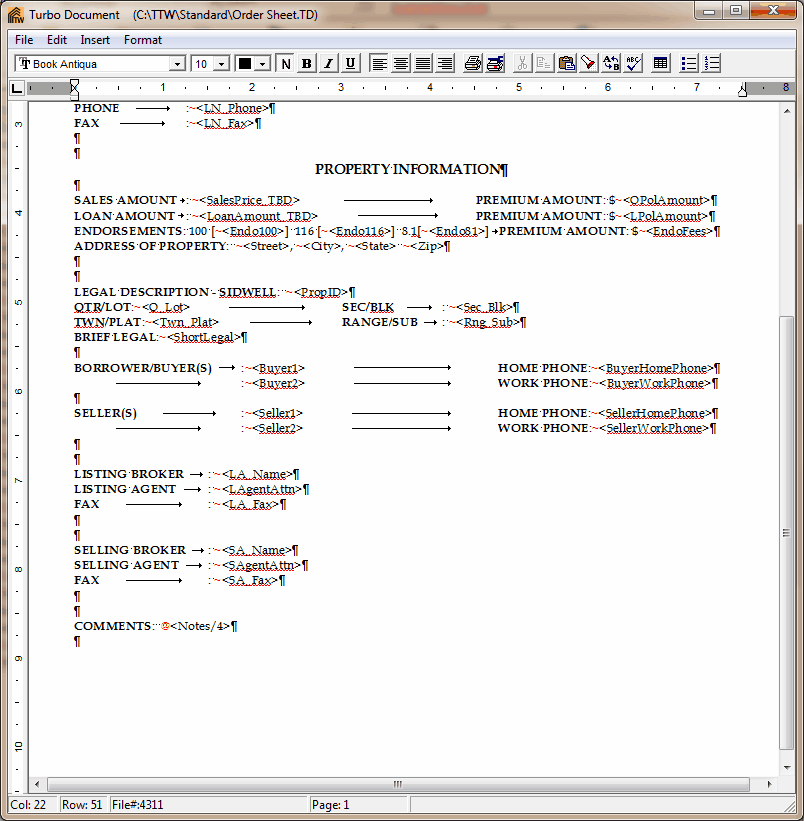
The Main use for Document Prep is to prepare documents created in the Document Designer for printing. It can be accessed by selecting Doc Prep in the Apps Menu, clicking on the Document Prep button, or by using the F12 key. Documents may be edited with Document Prep using the appropriate functions leaving master templates imported from Document Designer unchanged. This allows the master templates to be used time and again without being altered. Information from the Order Setup and various other locations in Turbo Title for Windows may be merged to the document to save the user from creating a new document for each file. Once merged, documents may be printed, faxed, emailed and saved. Document Prep may also be used simply as a word processor for typing letters, memos, notices, etc.