|
Faxing Documents |
  
|
|
Faxing Documents |
|
Getting There
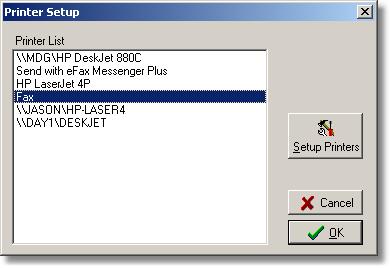
Faxing Documents is accessed from within Doc Prep or Doc Designer. Once Doc Prep or Doc Designer is open, select File | Printer Setup.
Description
Documents, Commitments etc. may be faxed directly from the Turbo Title for Windows Program without printing them.
To Fax Documents
1. Prepare your document as you would for printing.
2. Select your fax machine or fax utility as the printing device you want to print to.
3. Select Print.