|
Settlement Statement Addendum |
  
|
|
Settlement Statement Addendum |
|
Getting There
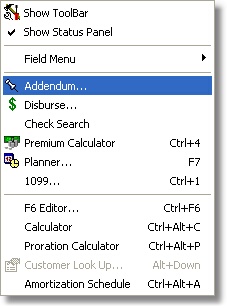
The Settlement Statement Addendum can be accessed from Turbo Escrow menu by selecting => View | Addendum or by clicking the Addendum button on the main Turbo Escrow screen.
Description
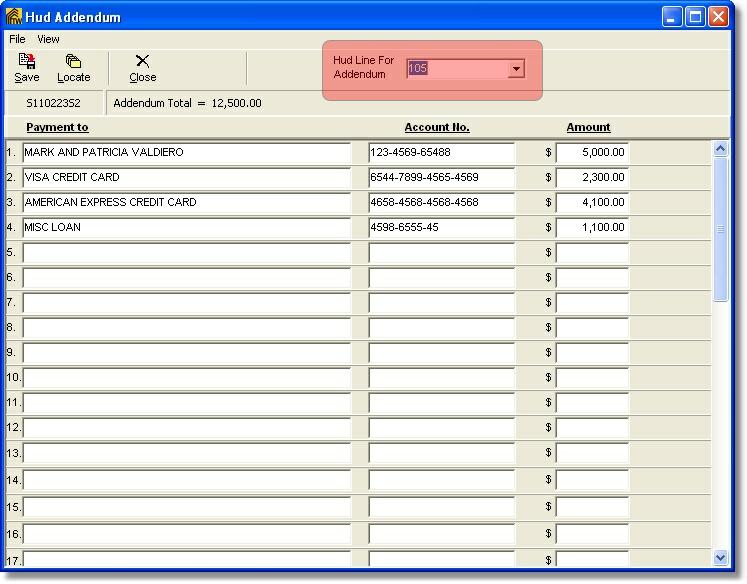
A HUD Addendum can be made using the Turbo Escrow Addendum function. Names, account numbers, and amounts can be entered into the addendum and Turbo Escrow will make all addendum calculations and allow the addendum to be printed. Addendum totals are shown on the status bar at the top of the screen under the tool bar. You can select the line for Hud Addendum using the the drop down box shown highlighted in red below.