|
F6 Editor |
  
|
|
F6 Editor |
|
Getting There
The F6 Editor is accessed from Turbo Escrow, View Menu and selecting F6 Editor, or by using the Ctrl+F6 shortcut.
NOTE: You must have a field selected to access the F6 editor.
Description
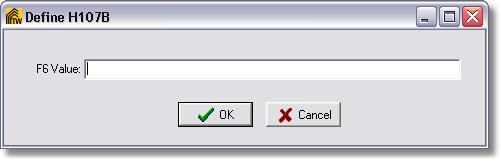
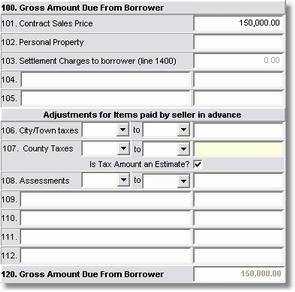
The F6 editor will allow you to select a field within the Setup, Page 2 or Page 1 of your Hud Entry and change that field to what ever F6 value you would like to appear when F6 is pressed while on the field.
NOTE: This is a feature that works per computer. It will not affect all workstations. If you wish to make the same changes for everyone that uses Turbo Title then you will have to do it individually at each computer.