|
Planner |
  
|
|
Planner |
|
Getting There
The Planner is accessed from the Apps menu. Select => Apps | Planner, or use the shortcut F7.
Description
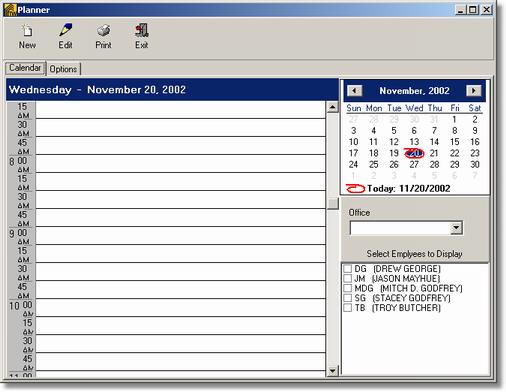
The Planner will allow you to schedule closing room appointments with customers or any type of scheduling need you may have.
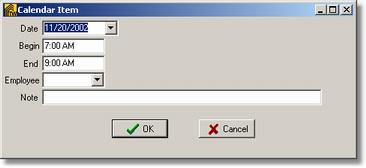
To schedule a time slot within the Planner double click on the time slots on the right part of the window. You will then have the option to enter in the Date, Beginning Time, Ending Time, Employee and Notes.