|
Customer Lookup |
  
|
|
Customer Lookup |
|
Getting There
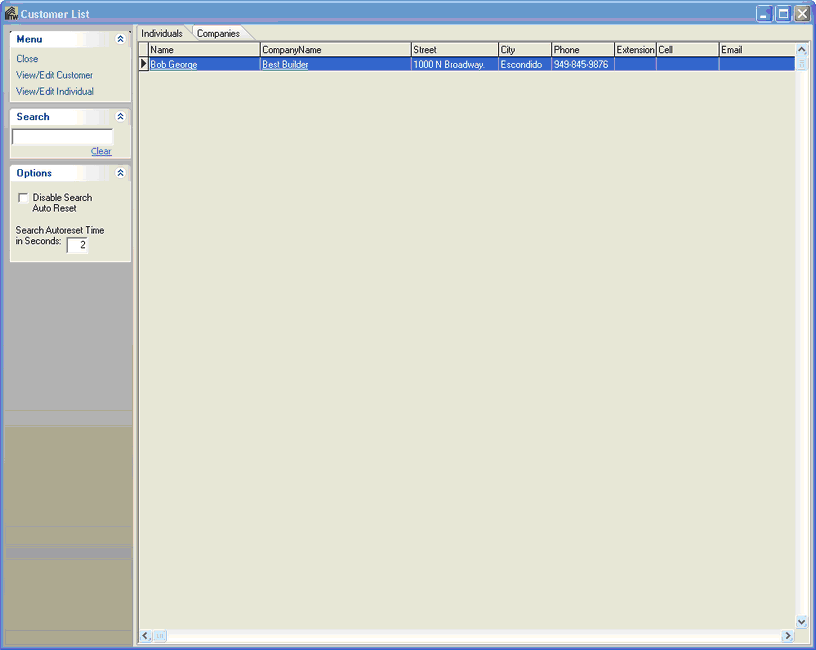
Customer Setup can be accessed from the Main menu. Select => Apps | Look up Customer or by using the Ctrl+L shortcut virtually anywhere in the program.
Description
Customer Lookup will allow you to search for customer by Name, Code or CustType. Selecting the + next to any your customers will display the Customer Individual for that particular customer.