|
Order Details |
  
|
|
Order Details |
|
Getting There
Order Details is selected by clicking on the Order Details Tab from the main Turbo Title screen.
Description
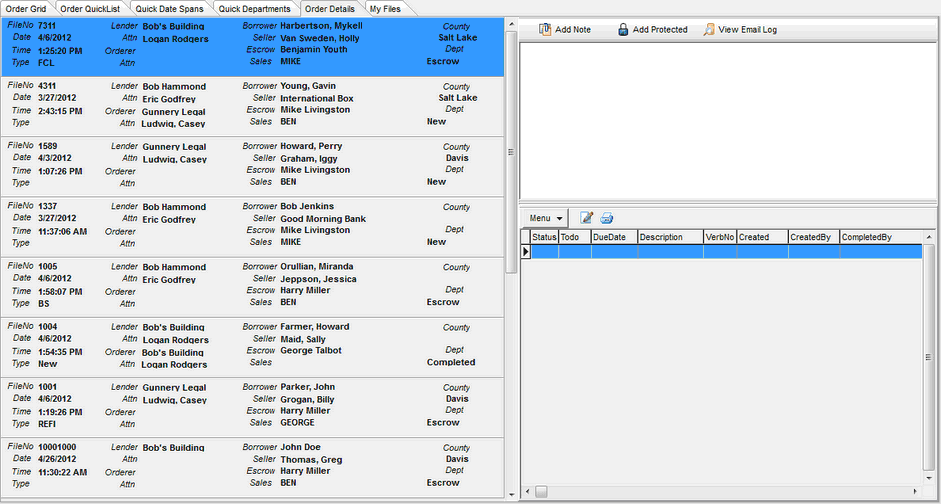
The Order Details list displays a list of the files selected by the file filter and some key information pertaining to those files. From the Order Details list you can select a specific file by clicking your mouse on that file's panel. Once a panel is highlighted you can edit the order setup by either using the F3 key or by double clicking on the highlighted file. When this is done, you are taken to the Order Setup dialog where you can edit previous information or add additional information to a file.