|
Do Not Insure List |
  
|
|
Do Not Insure List |
|
Getting There
The Do Not Insure List can be accessed from the Main menu. Select => Maintenance | Do Not Insure List.
Description
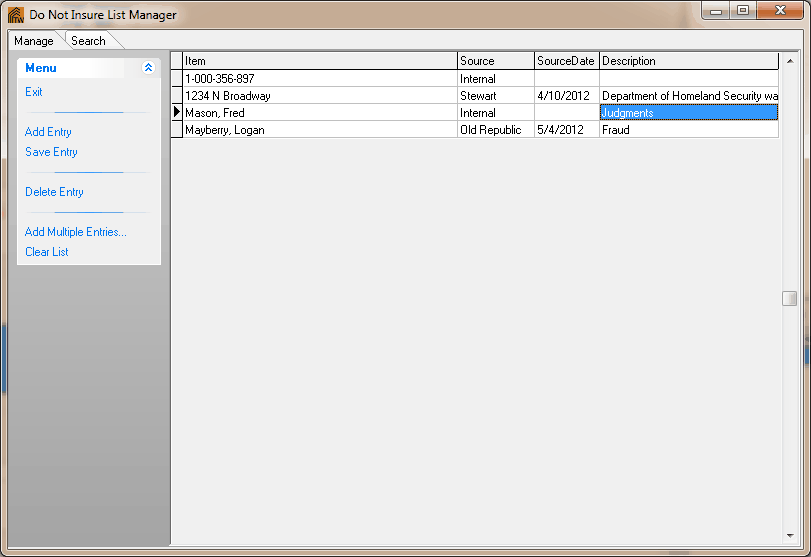
The Do Not Insure List allows you to keep an organized list of entries that you do not want to insure. Those entries can include names, Property ID's, and addresses.
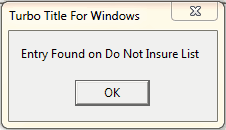
When you have entered a name, property ID, or address in the Order Setup, Turbo Title will remind you that you have entered an entry that belongs to the Do Not Insure List.
Turbo Title will then show you the Do Not Insure List Manager with the Item, Source, SourceDate and Description as to why they're on the Do Not Insure List.