|
Order Quicklist |
  
|
|
Order Quicklist |
|
Getting There
Order Quicklist is selected by clicking on the Order Quicklist Tab from the main Turbo Title screen.
Description
The Order QuickList is very much like the Order Details list in that it displays a list of files but many more files may be listed on a single screen with less information displayed for the those orders. A specific file may be selected from the Order QuickList by double clicking on the desired file or by using the arrow keys or page up/page down keys. The F3 key can be used to bring up the file for editing.
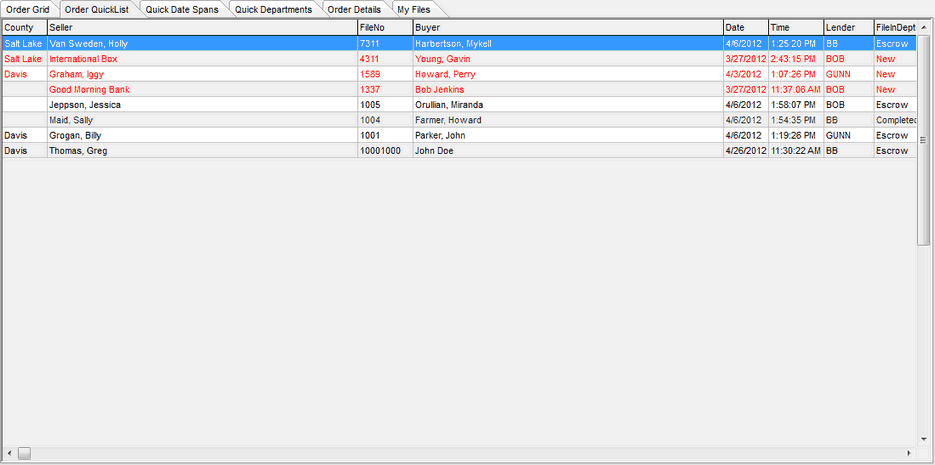
NOTE: You may change the field order by using your mouse to drag and drop the field to where you would like it.