|
Legal |
  
|
|
Legal |
|
Getting There
The Legal (Description) tab can be accessed by double clicking the order on the main screen or by using the F3 shortcut from anywhere in the program.
Description
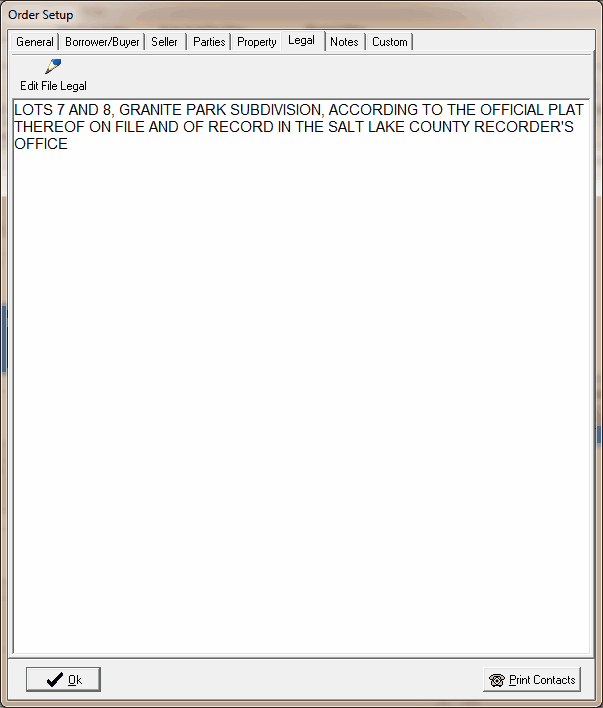
The Legal Tab in the Order Setup dialog box allows you to add/edit a legal description for the property associated with the file. You may add/edit information directly on the Legal tab by clicking in the text area. Click on the Edit File Legal button to open up the Legal File editor and you can edit there. The legal editor provides more options for adding legal descriptions.