|
Service Defaults Setup |
  
|
|
Service Defaults Setup |
|
Getting There
Service Defaults Setup can be accessed from the main Invoice List screen by selecting => Setup | Service Defaults Setup.
Description
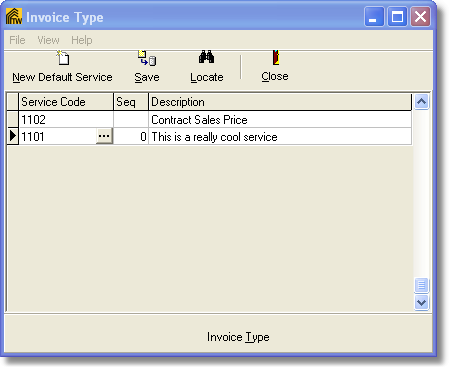
Service Defaults Setup will allow you to add new default services that you have added to your Services Setup and also allow you to Locate services by Seq (Sequential) order. Service Defaults are the default services that are automatically added to the invoice upon creating a new invoice.
To add a new default service simply click on the New Default Service button located at the top left of the screen.