|
Transaction Search |
  
|
|
Transaction Search |
|
Getting There The easiest way to get to the transaction search window is to press F9 and then click the link that says 'Transaction Search' in the "Searches" area.
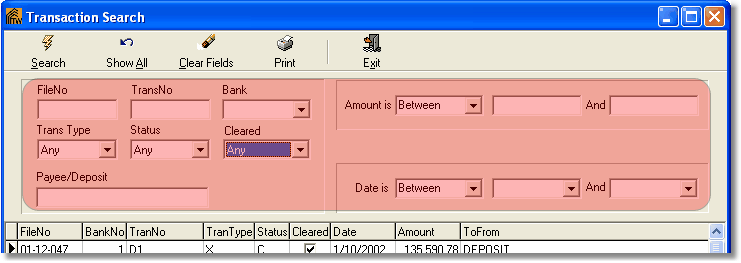
Description The transaction search window allows the user to search, using a variety of search terms, trough their recorded transactions.
Search - Show All - Clear Fields - Print - Exit
Enter Your Search Terms Shown Highlighted in Red Below.
Once you have the terms you wish to search by entered, press the search button to place your query. |