|
Set as Printed |
  
|
|
Set as Printed |
|
Getting There
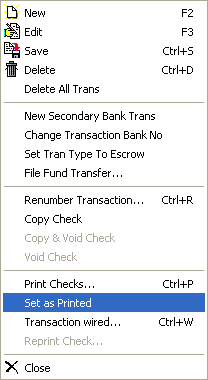
The Set as Printed option can be accessed from the Check Entry screen by selecting => Transaction | Set as Printed.
Description
Setting a check to printed is most commonly used for when the company writes them self a check but they don't' need to actually send the check they just want to keep it in the bank. Another example is when the company receives money through a wire transfer.