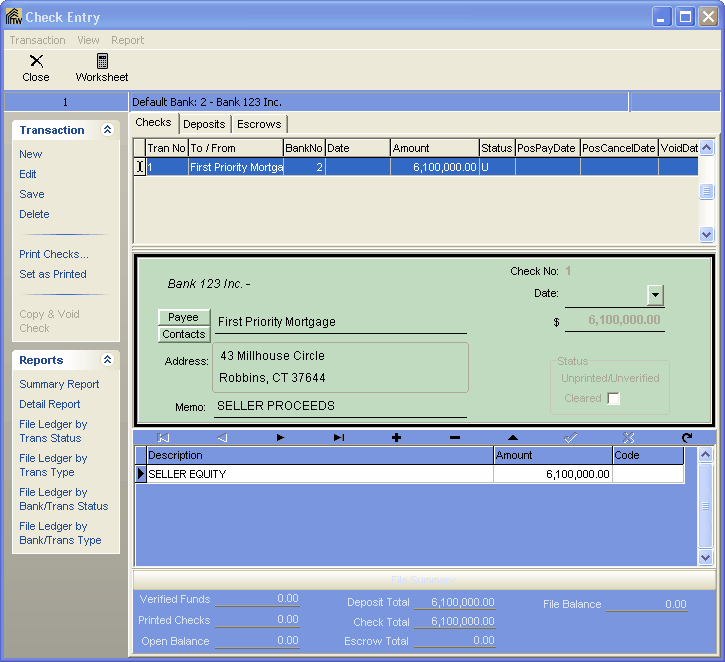
|
Check Printing |
  
|
|
Check Printing |
|
Getting There
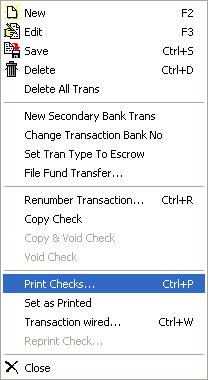
The Check Printing can be accessed from the Check Entry screen by selecting => Transaction | Print Checks or by the shortcut Ctrl+P.
Description
Printing checks is done by selecting the Print Checks option from the file menu. This will print all checks that have not already been printed. To view what checks have been printed look under the status and there will either be a "P" for printed or "U" for unprinted. You may Reprint a check by selecting Transaction | Reprint Check and this will append the current check number with a letter. For example, if you have check # 1001 and you want to reprint that check then the check will be given check # 1001a.