|
Print Order |
  
|
|
Print Order |
|
Getting There
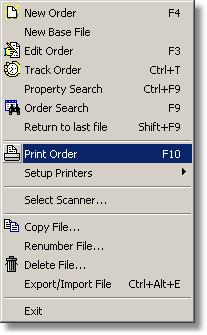
The Print Order is accessed from the File Menu. Select => File | Print Order, or use the shortcut F10. You may also click on the Print Order button on the main Turbo Title screen
Description
This function allows the user to print an Order Sheet. The template for the Order Sheet which is linked to the Print Order button can be designed and/or edited by selecting Standard Docs from the Document Designer Design menu. To use this function, a Standard Docs order sheet template must have been previously designed and saved. Printing the Order Sheet can either be done by selecting Print Order from File in the Main menu, by using the F10 key, or by clicking on the Print Order icon.