|
Policy Report |
  
|
|
Policy Report |
|
Getting There
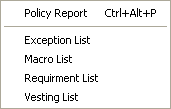
The Policy Report can be accessed from the Turbo Policy menu by selecting => Reports | Policy Report or by using the Ctrl+Alt+P shortcut in Turbo Policy.
Description
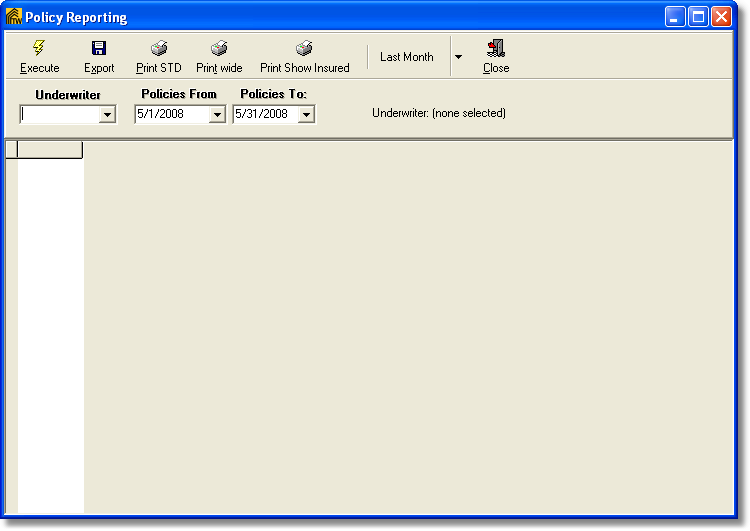
Policy Reporting will allow you to view policies by selected underwriter and within a certain date range. Simply select the Underwriter then from the Policies From and the Policies To select your date range that you wish to view.