|
File Register |
  
|
|
File Register |
|
Getting There
File Register can be accessed from the Main menu. Select => Reports | File Register
Description
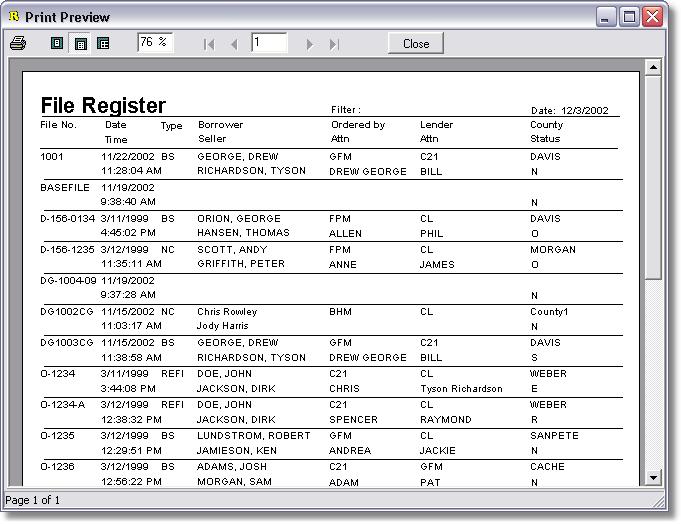
You may select which files are displayed on the File Register by first selecting a Selected File Filter on the Turbo Title for Windows main screen and then selecting File Register. The Example below shows a File Register with a Filter specified for the month of March. Notice that only March entries are found on the Register. This function allows you to create custom reports for every need. The Register may be printed to provide you with a hard copy of the Report.
Related Topics