|
Copy Verbage |
  
|
|
Copy Verbage |
|
Getting There
The Copy Verbage dialog box can be accessed from Turbo Policy menu by selecting => File | Copy Verbage from/to...
Description
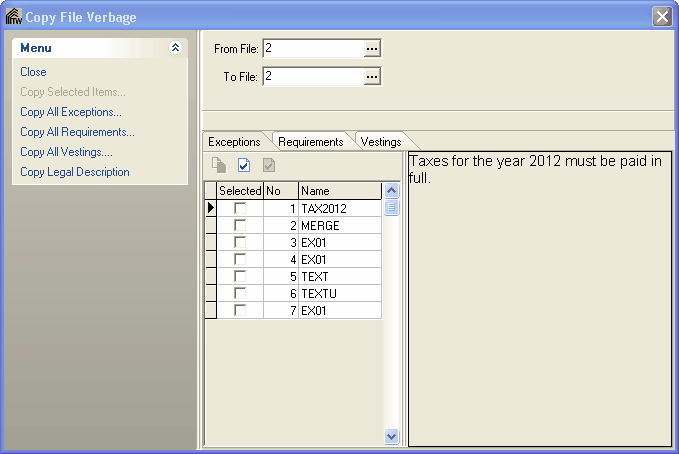
Exceptions, Requirements, Vesting's and legal descriptions which have been setout in previous policies may be copied from one or more files and added to an Exceptions/Requirements/Vesting's list on another.
To Copy Exceptions/Requirements
1. From the Setout screen, choose Copy Verbage From/To from the File Menu.
2. Enter the File number that you wish to copy verbage from and the File number you wish to copy to.
3. Click the appropriate button to specify whether you wish to copy Exceptions, Requirements, or Vesting's.
NOTE: Verbage may be copied more than once from any given file. Clicking a button twice will copy the verbage twice etc.