|
Convert to Text |
  
|
|
Convert to Text |
|
Getting There
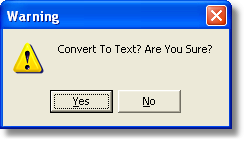
Convert to Text can be accessed from the Turbo Policy menu by selecting => Setout | Convert to Text or by using the F8 shortcut in Turbo Policy.
Description
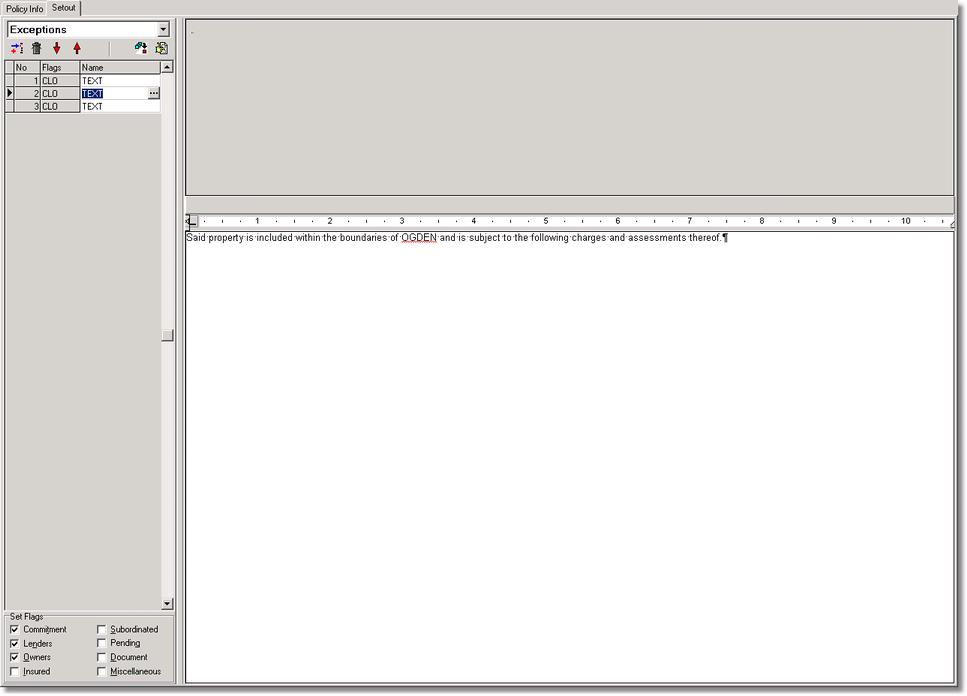
Convert To Text will allow you to take either Exceptions, Requirements or Vesting's and Convert the selected Exception, Requirement or Vesting into a editable text format.