|
Printing 1099s |
  
|
|
Printing 1099s |
|
Getting There
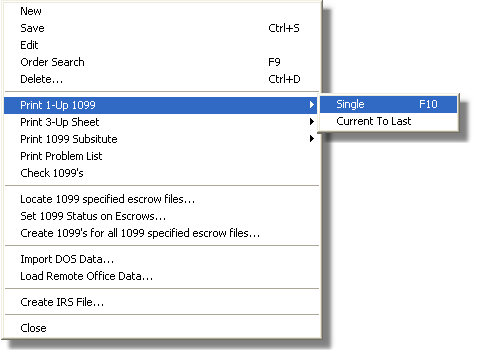
Printing 1099s can be accessed from the 1099 menu by selecting => File | Print Single 1099 or by the shortcut F10.
Description
Print Single 1099 will print the current file selected on the 1099 screen. This function is used if sending your 1099's as a hard copy to the IRS.