|
Policy Info |
  
|
|
Policy Info |
|
Getting There
The Policy Information tab of Turbo Policy can be accessed by clicking the Turbo Policy button on the main screen and then selecting the Policy Info tab.
Description
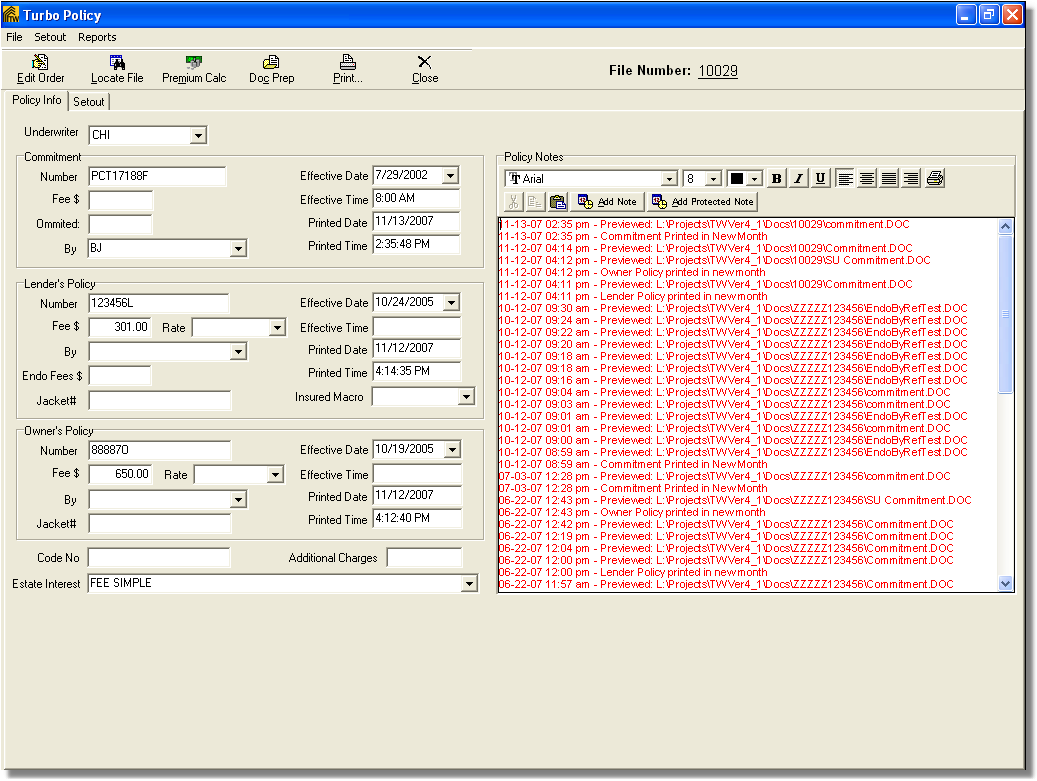
Turbo Policy's Policy Info screen enables the user to enter general information for commitments, lender policy's, and owner policy's. The policy's underwriter is also chosen and entered on this screen.
Policy Notes can be entered in per policy. You have the option to Add Note or Add Protected Note. When adding a Protected Note you will not be able to make changes to that note.