|
My Files |
  
|
|
My Files |
|
Getting There
My Files is selected by clicking on the My Files Tab from the main Turbo Title screen.
Description
The My Files tab gives you the ability to view all the files that are either assigned to you, you're the Escrow Officer, or you're the Title Officer. It's basically a tab that is all your own, and has every file that you are working with. You can double click on a file and it will bring up the appropriate Order Setup.
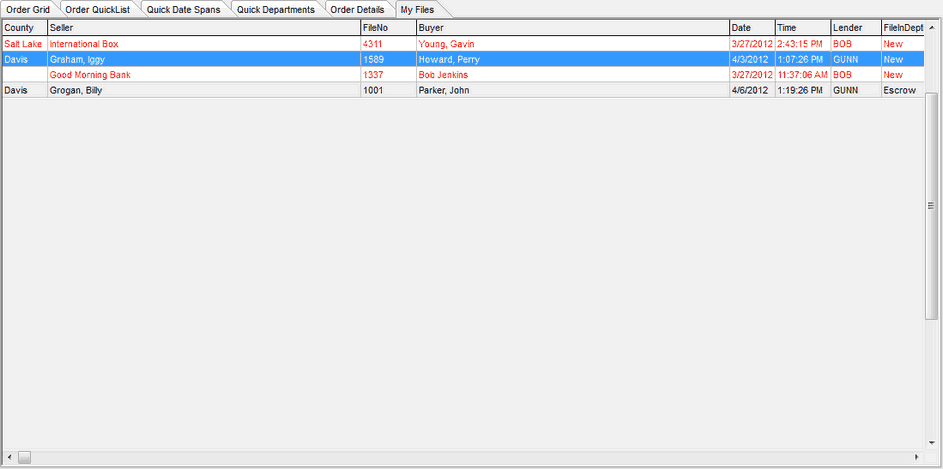
NOTE: You may change the field order by using your mouse to drag and drop the field to where you would like it.