|
Load Remote Data |
  
|
|
Load Remote Data |
|
Getting There
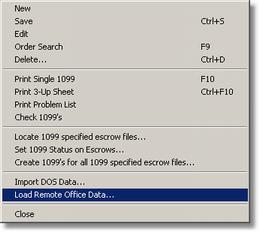
Load Remote Data can be accessed from the 1099 menu by selecting => File | Load Remote Office Data.
Description
This option is most commonly used if you have two offices with two different data bases and you need to get one offices 1099's over to the other to complete your 1099's process for the IRS.
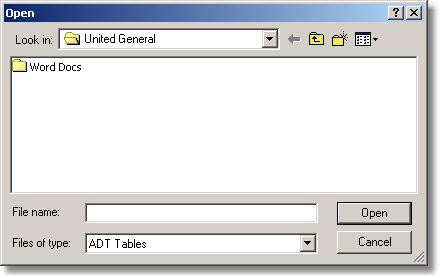
To load remote office data simply find the file that has been exported from another computer and select open. Turbo Title will then import the files into the current system.