|
Deleting Transactions |
  
|
|
Deleting Transactions |
|
Getting There
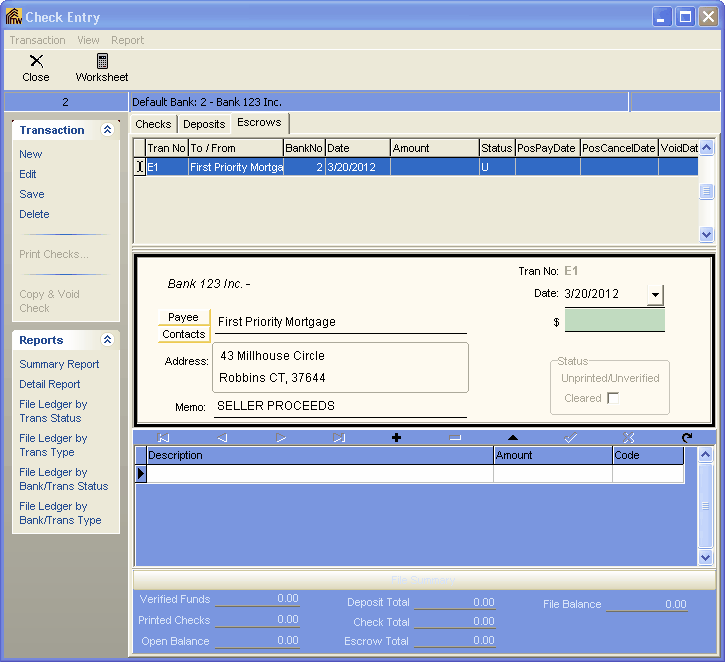
Deleting an Escrow can be accessed from the Check Entry/Escrows screen by selecting the Escrow to be deleted and selecting Transaction | Delete/Delete All Trans or the shortcut Ctrl+D.
Description
Deleting one or all escrows will do just that. It will take the selected escrow and delete it from Turbo Title.
NOTE: Once deleted there is no recovering that transaction. You would need to make a new transaction to replace the one deleted.