|
Database Info |
  
|
|
Database Info |
|
Getting There
Database Info can be accessed from the Main menu. Select => Maintenance | Database Info
Description
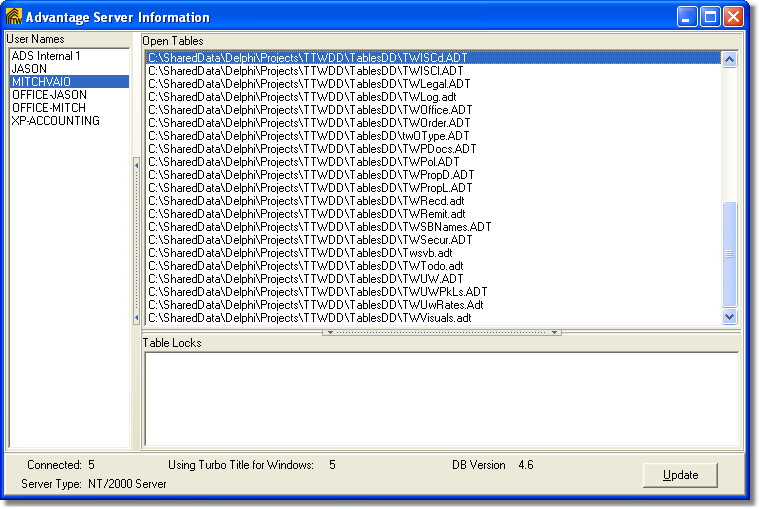
Database Info displays the Advantage Server Information dialog screen. This screen displays the User Names (names of the computers that are accessing the Advantage Database) along with Open Tables and Table Locks.
This information can be used when trouble shooting certain situations eg: looking for how many users are currently connected, how many users are actually using Turbo Title for Windows and what type of operating system the Advantage Server is running on.
NOTE
| • | To view Open Tables you must first select the User Name. |
| • | Using the Update button will refresh current connections and Open Tables. |