|
Copy Check |
  
|
|
Copy Check |
|
Getting There
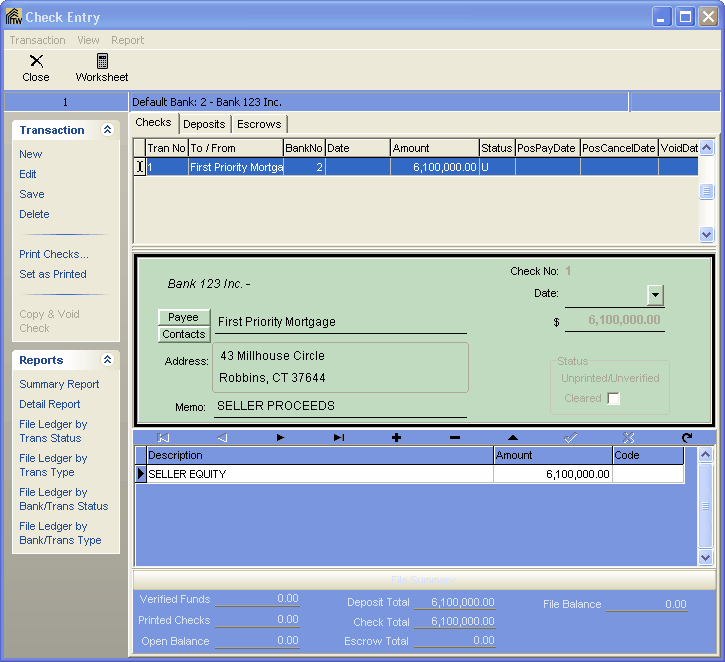
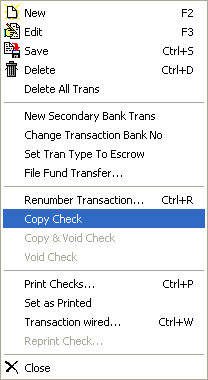
The Copy Check option can be accessed from the Check Entry screen by selecting => Transaction | Copy Check.
Description
Copy Check will allow you to select a check and create the same check but with a different file number for the new check. All the same information is copied from the original check selected. To do this simply select the check you wish to copy and from Transaction select Copy Check and Turbo Title will copy and display the new check as a new Transaction Number.