|
Check 1099s |
  
|
|
Check 1099s |
|
Getting There
Check 1099s can be accessed from the 1099 menu by selecting => File | Check 1099s.

Description
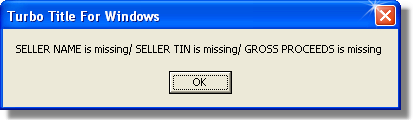
Check 1099's will do basically the same as Print Problem List but it will allow you to make the appropriate changes on screen. Check 1099's will search the data base files to see if there is any missing information that is required to be filled in for the IRS. If an error is found this will be what the window will look like.